
How to set RT6 Channel Name Displaying on the Screen?
do you want to select retevis RT6 channels by their channel name not the frequency? Yes, Here is the steps.
How to set RT6 Channel Name Displaying on the Screen? Read More »
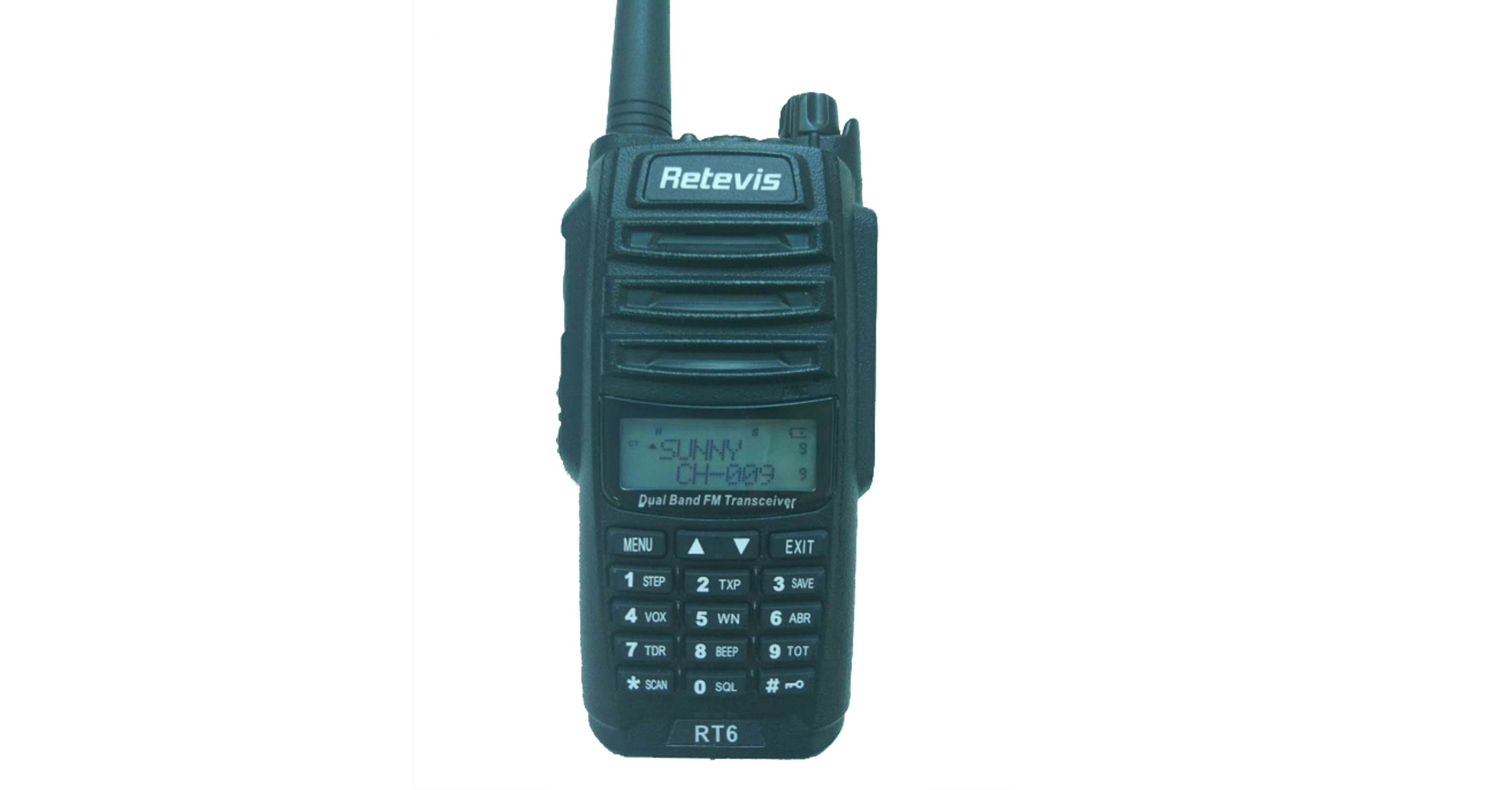
do you want to select retevis RT6 channels by their channel name not the frequency? Yes, Here is the steps.
How to set RT6 Channel Name Displaying on the Screen? Read More »
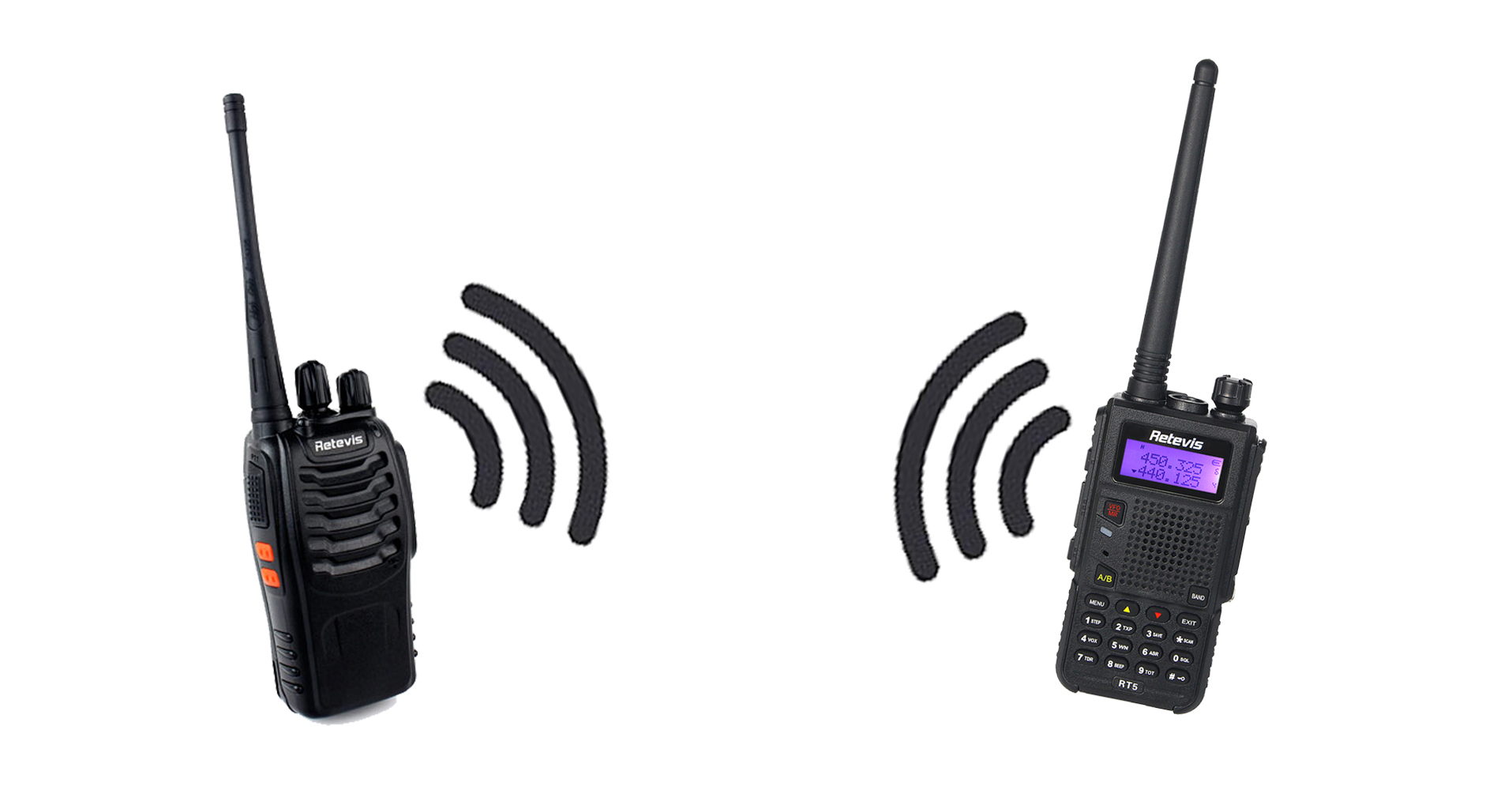
when you get a new radio, and you want to talk with other people, what to do next?

As a DMR radio, Retevis RT3 is loved by so many amateurs. But when operating it, Sometimes you may not beside your computer or may not have a programming cable at hand, so write Retevis RT3 frequency manually on the LCD keypad is so convenient way.

Do you know how to set RT81 communicate with other radios? such as rt5, h777, and digital RT8 radio? Here is the method.
How to Make RT81 Radio Communicate with Other Radios Read More »


The Password Settings helps you protect your radio privacy and make sure that the radio settings won’t be changed without permission.
The Three Different Password Settings of Retevis RT3 Read More »

What would you do if you get lost with your friends at a wild adventure with the compass doesn’t work ? Well here you will need our GPS function radio RT8.

RT3 & RT8 as the comparatively senior digital radios have more advanced settings,such as the Radio Encryption . Let’s get the operation together today!

So as we all know that TOT (Time out Timer )is used to set the continuous emission maximum time of walkie talkies. Then what about TOT Pre-alert / TOT Re-key / TOT Reset in the picture and how do they work ?
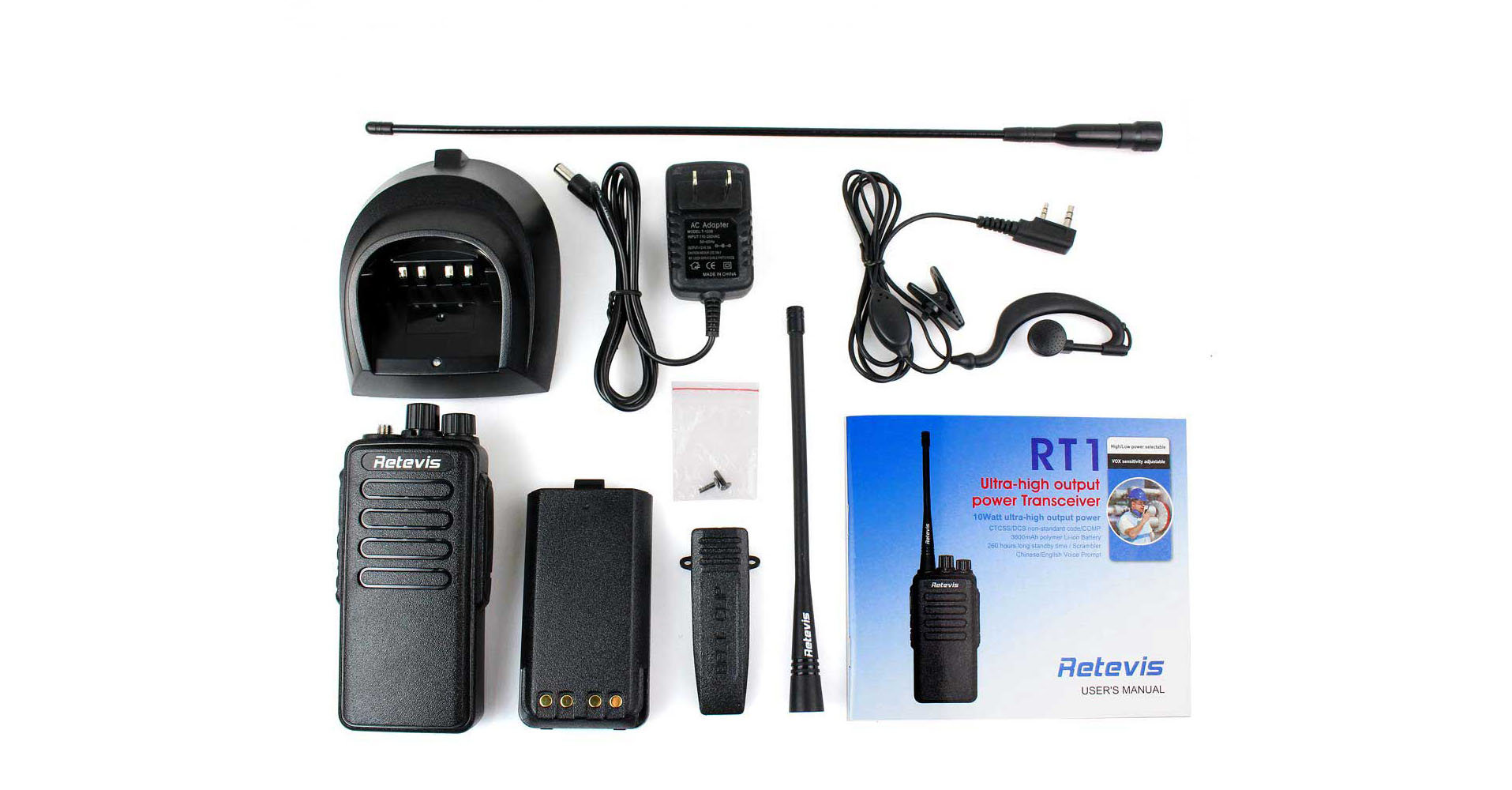
Many customers may be curious about the function of TOT ,wondering what it is set for and why it is needed ,well today let’s take an example of RT1 to talk about the TOT .